Your next mission
A distance to aim for
Beat it and the next one is a bit further. Had a hard day? It eases off. You can always make it easier.

Log each run, aim for your next mission and move through a story of four worlds. Walking counts, and every run moves you on.
Download for AndroidOn a computer? Open ruuun.t-o.ie on the Android phone you want to install it on, and tap the button there.
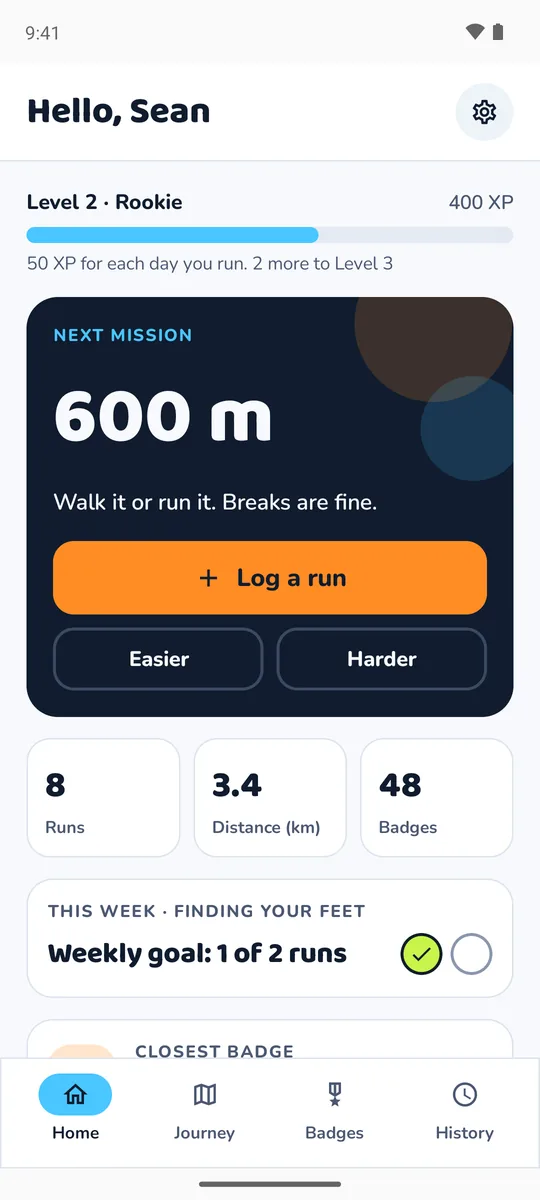
Four things to keep an eye on. None of them ever tells you off.
Beat it and the next one is a bit further. Had a hard day? It eases off. You can always make it easier.
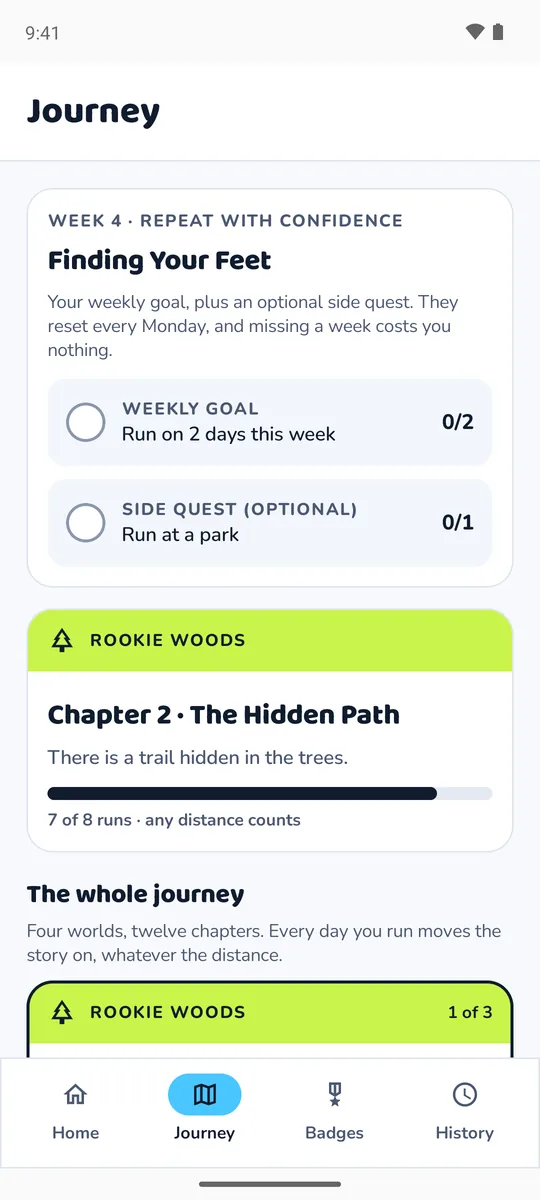
You pick. Each week also has an optional side quest, like running at a park or trying a new route.
From Rookie Woods to Planet Zoom. Every day you run moves the story on, whatever the distance.
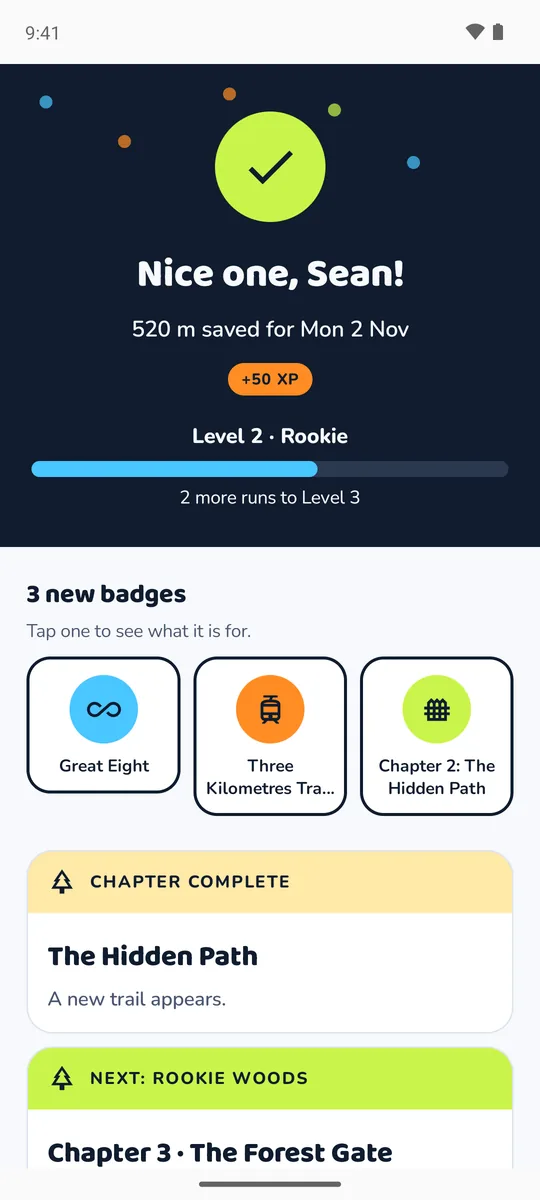
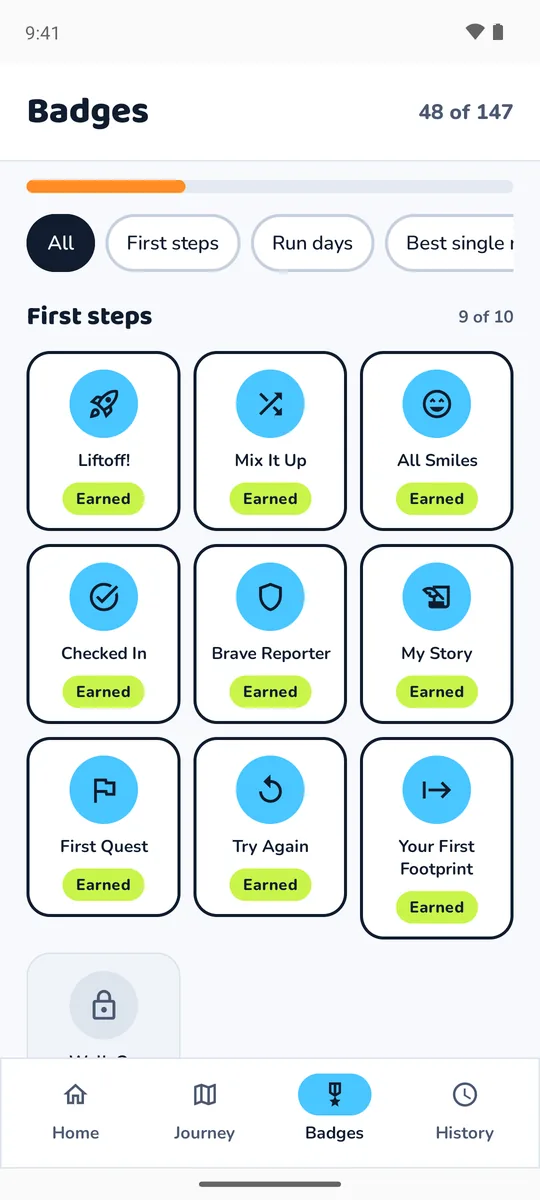
For showing up, going a bit further, trying new places, saying how it felt and coming back after a break.
ruuun! is not on the Play Store, so it installs straight from this page.
New versions show up as a banner at the top of the app. Tap Update, then Install. Your runs and badges stay as they are.
Version 1.1 is signed differently, so it cannot install over the beta. Move across once:
After this, updates install over the top with no extra steps.
ruuun! is made for one young runner on a family phone. Walking is part of running, and rest days help. Stop and tell an adult about any pain, dizziness or feeling unwell.
The code is open on GitHub.